If you have ever wondered, “What seating and positioning options do power wheelchairs offer?”, you are not alone. Maybe you want easier pressure relief routines, better comfort for long days, or the confidence to reach that top kitchen shelf without asking for help. When my uncle first switched from a basic scooter to a power chair, he said the right seating features felt like upgrading from a folding lawn chair to a custom lounge. The goal here is simple: to give you clear, friendly answers so you can decide which features fit your body, your home, your routines, and your insurance coverage. And because Go Wheelchairs pairs a wide range of motorized chairs with real support on Medicare [Centers for Medicare & Medicaid Services] and health insurance, you will see practical steps to turn options into approvals.
What is a seating and positioning system on a power chair?
A power chair’s seating and positioning system is the collection of powered movements and supportive components that help you sit comfortably, stay stable, and change position throughout the day. Think of it as your “mobile posture lab” that includes tilt-in-space, recline, power elevating leg rests, seat elevate, anterior tilt, and, in some equipment lines, even a standing module; however, Go Wheelchairs’ product lineup does not include standing-power chairs or standing modules. Surrounding these movements are cushions, backrests, headrests, lateral supports, chest straps, and pelvic belts that keep your posture aligned while you move. For many users, these systems reduce the effort of frequent repositioning and ease common challenges such as trunk fatigue, edema, or limited range of motion [range of motion]. By integrating powered adjustments with supportive hardware, a good seating system can help protect skin, make transfers safer, and expand access to everyday environments like countertops, sinks, and office desks.
What seating and positioning options do power wheelchairs offer?
Power chairs can deliver a surprisingly wide toolbox of positioning functions, and you can mix and match based on your goals, body, and coverage criteria. Tilt-in-space rotates your whole seating system backward to redistribute pressure without bending your hips, while power recline opens the back angle for stretch, rest, or hygiene tasks. Seat elevate raises you up to 12 inches on certain models — for example, the Jazzy Air® 2 elevates 12″ in about 11 seconds — and the Jazzy Air® 2 can be driven while elevated at a controlled walking speed. The Go Chair® travel model does not have a seat-elevating feature. Elevating leg rests help manage swelling and comfort, and anterior tilt gently tips you forward to bring your feet closer to the floor for safer sit-to-stand transfers or task access. For some users, power standing systems (offered by other manufacturers) bring you to a supported stand, which clinicians associate with benefits like bone health, bowel and bladder function, and participation in mobility-related activities of daily living [mobility-related activities of daily living]. These options are not just bells and whistles; they are tools to personalize posture, comfort, and independence.
| Function | What It Does | Typical Range | Best For | Notes |
|---|---|---|---|---|
| Tilt-in-space | Rotates seat and back as one unit to redistribute pressure | Up to 50 degrees | Pressure management, trunk support | Preserves hip angle; key for skin protection |
| Power recline | Opens back angle for stretch or rest | Up to 170 degrees | Hip flexor relief, hygiene, rest | Use with tilt to reduce shear forces |
| Seat elevate | Raises seat height for reach and eye-level socializing | Up to 12 inches (Jazzy Air® 2: 12″ in ~11 sec) | Kitchen access, transfers, visibility | The Jazzy Air® 2 supports driving at a controlled walking speed while elevated; most travel models do not include elevation |
| Elevating leg rests | Raises legs to manage edema and comfort | Varies by model | Circulation, knee/ankle support | Combine with recline or tilt for alignment |
| Anterior tilt | Tips forward to aid reach and standing transfers | 5 to 20 degrees | Task access, therapy carryover | Requires training and clinician guidance |
| Power standing | Brings user from sit to supported stand | Fully standing sequence | Bone health, function, social engagement | Not offered by Go Wheelchairs; some manufacturers sell power standing systems and funding varies |
Why does it matter for comfort, health, and independence?
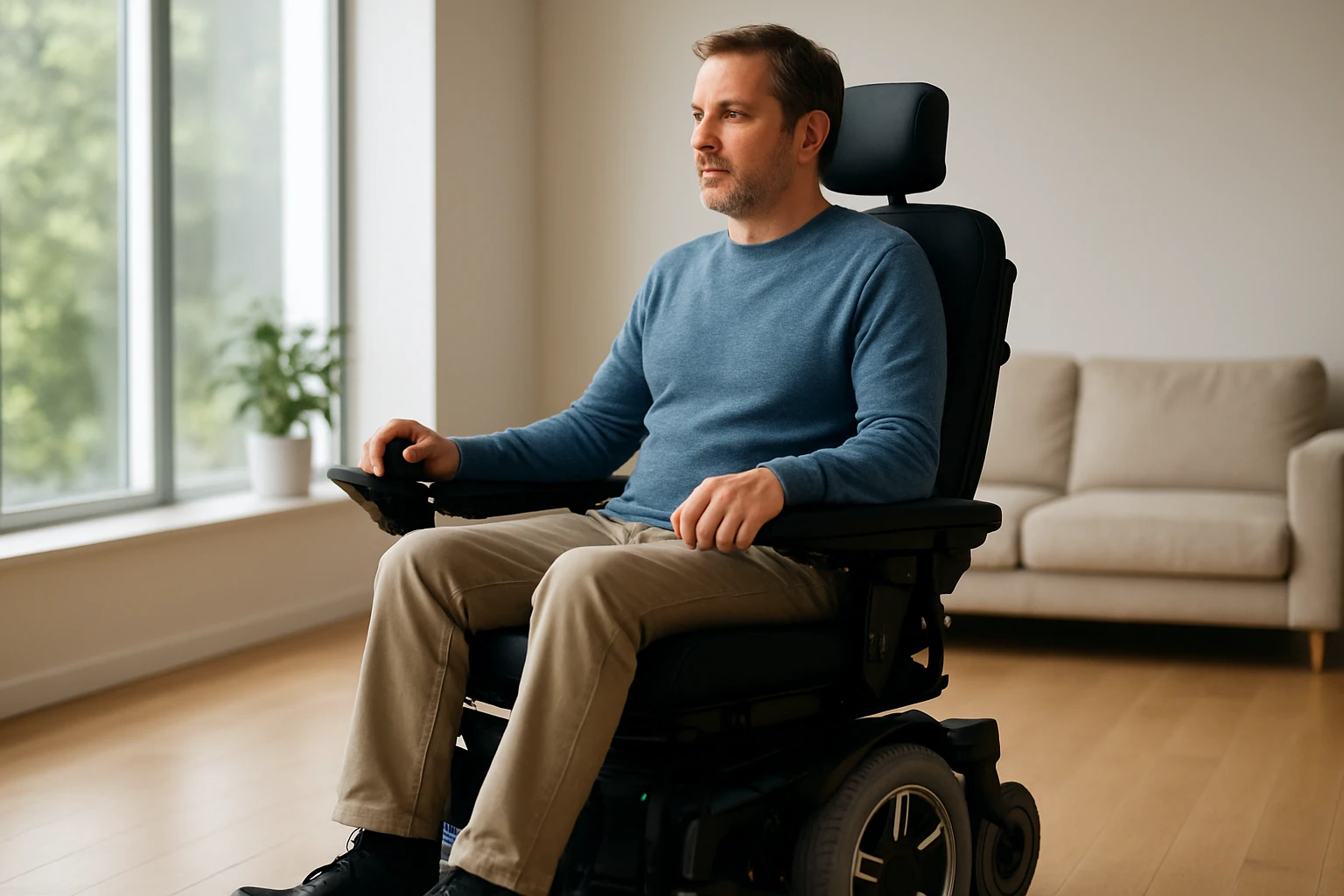
The right seating features are more than comfort upgrades; they are preventive health tools that can reduce complications and support independence. Clinical guidelines suggest that regular weight shifts reduce the risk of pressure injuries, and powered tilt can make those shifts consistent even when fatigue or pain gets in the way. Studies also link upright reach and eye-level communication with improved participation in activities of daily living [activities of daily living] like meal prep and grooming, which can boost confidence and reduce caregiver strain. From a daily living perspective, these features buy you energy to spend on meaningful activities, not just on staying comfortable in the chair.
Beyond health, positioning options can be the difference between avoiding a task and doing it with confidence. If you have ever tried to cook while seated too low, you know how hard it is to see into a pot or safely reach a shelf. Seat elevate helps you bridge that gap, while anterior tilt lets you lean into tasks without overreaching. In heavy-duty chairs built for higher weight capacities [pounds], these functions are engineered to stay stable and smooth, making them practical for a broader range of body types. Combined with robust cushions, lateral supports, and a properly adjusted headrest, the setup becomes a daily ally for work, school, and family life.
How do these power seating functions actually work day to day?
All the magic starts with controls, and modern power chairs give you options to match your abilities and routines. The standard joystick can toggle through seating functions, but many systems add shortcut buttons, switch boxes, or even head arrays when fine motor control is limited. Some chairs store memory positions so you can tap a button and move to your favorite “reading,” “transfer,” or “rest” posture, while safety interlocks slow the drive speed if you are elevated or deeply tilted. Under the surface, actuators translate commands into smooth movements, and the chair’s center of gravity shifts to keep you stable whether you tilt back for pressure relief or tip forward for a transfer.
Battery draw is a practical consideration, but the good news is that most seating movements use short bursts of power. If you are out all day, a larger battery or a chair optimized for heavy-duty use can offer extra peace of mind. You will also want to consider seat-to-floor height, footplate clearance, and how features interact with your daily spaces, like sliding under a desk or transferring to a bed. With Go Wheelchairs, you can test-drive configurations, compare travel-friendly foldable designs to full-size indoor-outdoor models, and learn how each feature impacts your routines, from commuting to cooking.
| Your Goal | Recommended Feature | Why It Helps | Insurance Angle |
|---|---|---|---|
| Reduce pressure injury risk | Tilt-in-space ± power recline | Enables frequent weight shifts with minimal effort | Often justified under skin protection in DME [durable medical equipment] coverage |
| Reach counters and shelves | Seat elevate | Brings you to eye level and extends functional reach | May be covered for MRADLs [mobility-related activities of daily living] like meal prep |
| Manage leg swelling | Elevating leg rests + recline | Supports circulation and comfortable positioning | Common with documented edema management needs |
| Safer transfers | Anterior tilt + seat elevate | Improves body mechanics and stability | Can support transfer safety goals in therapy notes |
| Stand for health and tasks | Power standing module | Enables supported standing for function and health | Funding varies; requires detailed clinical justification |
How does Go Wheelchairs make choosing and funding easier?
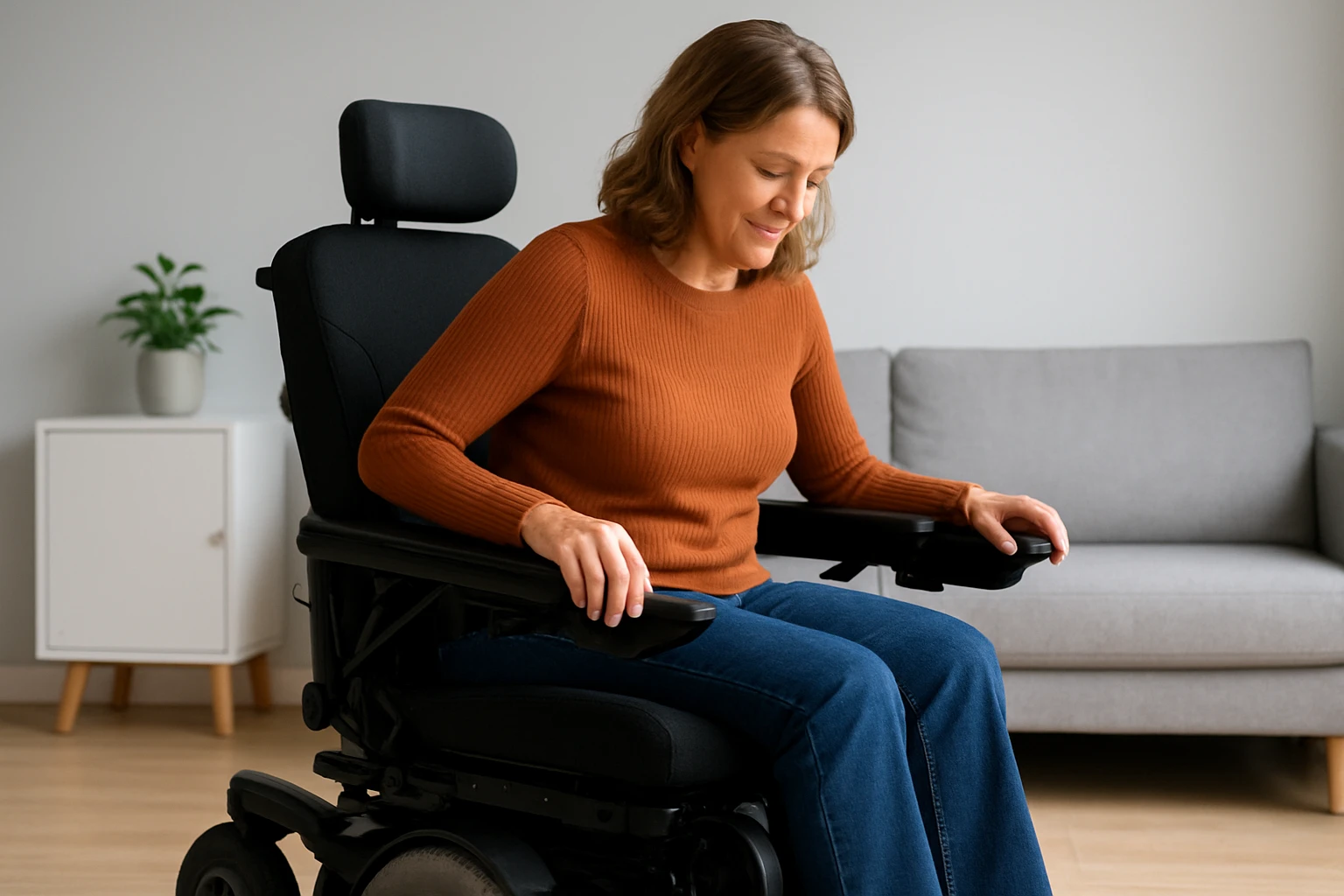
Choosing a chair is not just about features; it is about fit, coverage, and support from start to finish. Go Wheelchairs offers a wide range of standard and heavy-duty motorized wheelchairs so you can compare stable indoor models, outdoor-ready suspension, and lightweight, foldable power designs for travel. Our team helps you translate goals into specifications: Do you need 50 degrees of tilt for skin protection, or will a blend of tilt and recline with memory positions be more usable day to day? We will walk through seat width, back height, cushion type, lateral supports, and whether seat elevate or anterior tilt gives you the biggest functional win at home and work.
Coverage is often the sticking point, and that is where guidance pays off. We coordinate with your clinician to build a documentation packet that speaks the language of DME [durable medical equipment] and Medicare [Centers for Medicare & Medicaid Services], aligning your needs with coverage criteria for mobility-related activities of daily living [mobility-related activities of daily living]. We also help you understand secondary insurance, prior authorizations, and timelines so you can plan confidently. Meanwhile, our Resources Hub offers buying guides, feature comparison tools, and travel tips, so you can evaluate options at your own pace and make a decision that balances comfort, independence, and budget.
Common questions about power chair seating and positioning
Will I actually use these features, or will they just add cost?
When features map to daily goals, people use them. A simple routine like tilting five minutes every hour can become second nature with a shortcut button, and many users report less pain and more energy within weeks. Go Wheelchairs helps you trial configurations so you only fund the features that move the needle for your life.
How do tilt and recline differ in real life?
Tilt-in-space keeps your hip and knee angles the same while shifting pressure backward, which protects skin and helps posture. Recline opens the back angle, which can stretch tight hips or make hygiene tasks easier. Many clinicians recommend combining them to minimize shear and maximize comfort.
Is seat elevate safe to drive with?
On some models — for example, the Jazzy Air® 2 — yes, at a controlled walking speed; the drive speed automatically limits when elevated to keep you stable. This lets you glide from the counter to the sink without repeatedly changing height. Always follow your clinician’s and manufacturer’s safety guidance.
Do heavy-duty chairs still offer advanced positioning?
Absolutely. Heavy-duty designs are engineered to keep movements smooth and stable at higher weight capacities [pounds]. You can get tilt and recline in heavy-duty models, and seat elevate is available on specific models such as the Jazzy Air® 2 when elevation is needed.
What about travel or tight home spaces?
Lightweight, foldable power options exist, and some offer basic tilt features. The Jazzy Air® 2 provides seat elevation when that function is important, while many travel-oriented chairs (like the Go Chair®) prioritize portability and may not include elevating seats. Our team will help weigh trade-offs between portability, battery range, and the positioning you need most, based on your floor plan and routines.
How long do approvals take with Medicare and insurance?
Timelines vary by state and plan, but a solid documentation packet from your therapist and physician is the fastest path. Go Wheelchairs coordinates paperwork, prior authorizations, and follow-ups, and we keep you updated so there are no surprises.
What measurements matter most before ordering?
Seat width and depth, back height, lower leg length, and armrest height are foundational. We also look at seat-to-floor height for transfers, footplate clearance for obstacles, and cushion choice for pressure protection. A clinical seating evaluation is the best way to dial these in.
Will standing be funded for me?
It depends. Funding often requires detailed evidence that standing supports your specific medical needs and daily function. We will work with your clinician to document benefits like transfers, bone health, or MRADLs [mobility-related activities of daily living], and we will outline alternatives if standing is not approved.
Conclusion
Thoughtful seating and positioning transform a power chair from transportation into a daily wellness and independence tool. Imagine the next 12 months with smoother transfers, easier pressure relief, and eye-level confidence at home, work, and everywhere in between. What do you want your chair to help you do, and which of the many answers to “What seating and positioning options do power wheelchairs offer?” will move you forward first?
Upgrade Power Chair Seating with Go Wheelchairs
Explore our wide range of standard and heavy-duty motorized wheelchairs with personal guidance and Medicare or insurance support to move confidently and independently.