
If you have ever tried to squeeze through a narrow kitchen, inch down a crowded sidewalk, or climb a steep curb cut while balancing battery life, you know choosing a joystick-controlled power wheelchair is not a small decision. Get it right and the chair becomes a natural extension of your body, turning stress into smooth, precise motion and turning long days into reachable plans. In this friendly, step-by-step guide, we will map the exact path to evaluate your needs, select components, configure controls, and verify Medicare-ready specifications so you can roll with confidence, not guesswork.
Along the way, we will lean on practical tools, real-world examples, and clear checklists. We will also show you how Go Wheelchairs fits into each decision by offering specific models such as the Go Chair and several Pride/Jazzy power wheelchair models—Jazzy Air 2, Jazzy Select, Jazzy Carbon, Jazzy Ultra Light, Jazzy Elite (including Elite HD), and the Jazzy 600 ES—along with personalized consultations, remote guidance, and Medicare and insurance support. Ready to find a chair that moves like you think, goes the distance, and meets coverage requirements without friction? Let us dive in together.
Prerequisites and Tools
Before you compare models, a little prep work dramatically improves your results. Think of this as scouting the route before a road trip; you save time, money, and headaches once the journey begins.
- Daily Map: List your most common routes, surfaces, slopes, and doorway widths you use each week.
- Body Measurements: Record shoulder width, hip width, thigh-to-knee length, and lower leg length while seated.
- Home Access Notes: Note the narrowest doorway, tightest turn, and any thresholds or steps.
- Medical and Functional Needs: Note skin risk, trunk support needs, transfer method, and tolerance for sitting time.
- Coverage Checklist: Have your physician’s contact details and a plan for documentation that supports medical necessity.
Helpful tools you can gather today:
- Tape measure for accurate doorway, hallway, and turning space measurements.
- Smartphone timer to measure how long typical errands last and how often you stop.
- Notebook or digital notes to keep your measurements, questions, and comparisons organized.
- A trusted clinician partner such as a PT [physical therapist] or OT [occupational therapist], and if available, an ATP [assistive technology professional].
- Access to Go Wheelchairs’ online resources and consultation services for buying guides, comparison tools, and Medicare and insurance assistance.
Step 1: Define Your Driving Profile and Everyday Routes
Start with your life, not the spec sheet. Where will you drive most? Indoors on tight turns and tile, or outdoors on cracked sidewalks and grass? How often do you travel by car or rideshare? What are your longest days, and how many miles do they add up to? When you outline your week, hidden patterns appear, and those patterns point to the right drive type, battery strategy, and turning radius.
To make this concrete, sketch a simple “Day in the Life.” Morning transfer, kitchen and bathroom turns, hallways, elevator, bus ramp or car loading, destination flooring, curb cuts, and the longest stretch between charges. Industry usage snapshots suggest many indoor-first users average between one and two miles per day with several tight turns per hour, while active outdoor users often exceed five miles with mixed terrain. Your profile may be different, which is exactly why writing it down matters.
| Primary Environment | Typical Need | Drive Type to Explore | What It Does Best | Trade-Offs |
|---|---|---|---|---|
| Indoor, tight spaces | Small turning radius | Mid-wheel drive | Excellent maneuverability | Can feel lively over bumps outdoors |
| Mixed indoor/outdoor | Balanced handling | Front-wheel drive | Good curb and threshold handling | Turning radius slightly larger than mid-wheel |
| Outdoor, uneven terrain | Stability, power | Rear-wheel drive | Tracking at higher speeds | Wider turns indoors |
Case in point: Maria needed to navigate narrow hallways at home and a community garden with gravel paths. Listing these needs led her to a compact frame with mid-wheel drive for home agility, paired with outdoor tires and a slightly larger battery for weekend outings. Without that early clarity, she would have overbought on rugged features and underperformed indoors.
Step 2: Match Frame, Motors, and Wheels to Your Body and Terrain
Next, balance capacity, stability, and comfort. Your body, positioning, and terrain set the baseline for frame selection. Choose a frame that supports your weight and offers the right seat width and depth, then match motors and wheels to the surfaces you expect most. If you frequently cross door thresholds, look at front casters and suspension that tame small obstacles. If you face grass or gravel, consider larger drive tires and torque-oriented motors.
Manufacturers list maximum user weight in pounds and kilograms, turning radius in inches or centimeters, and chair weight for transport. Many heavy-duty chairs raise capacity and ruggedness, while travel-folding designs prioritize portability. As a rule of thumb from dealer data, if you consistently carry extra load such as medical gear or groceries, leave at least a fifteen percent headroom between your total load and the chair’s rated capacity for better motor longevity and braking performance.
| Frame Category | Capacity Range | Turning Radius | Transport Weight | Ideal For |
|---|---|---|---|---|
| Standard | Up to about 300 pounds | Small to medium | Medium | Most daily indoor plus light outdoor use |
| Heavy-duty | About 300 to 450 pounds and above | Medium to larger | Heavier | Rugged surfaces, higher stability needs |
| Lightweight folding | About 220 to 300 pounds | Small to medium | Light | Frequent car travel, tight storage |
Go Wheelchairs offers specific models such as the Go Chair and a range of Pride/Jazzy models—including the Jazzy Air 2, Jazzy Select, Jazzy Carbon, Jazzy Ultra Light, Jazzy Elite (and Elite HD), and the Jazzy 600 ES—covering standard, heavy-duty, and travel-focused needs. That breadth matters, because it lets you compare side-by-side without forcing a fit. You can even mix-and-match features like a compact frame with higher-torque motors to meet both indoor agility and outdoor confidence.
Step 3: Choose Batteries, Chargers, and a Range Strategy
Battery chemistry and capacity drive your maximum range and charge routine. Most modern power chairs use sealed lead-acid or lithium-ion battery packs. Sealed lead-acid batteries are dependable and budget-friendly, while lithium-ion batteries are lighter, recharge faster, and often deliver more usable range for the weight. For many users, typical sealed lead-acid ranges sit around six to ten miles per full charge in mixed conditions, while comparable lithium-ion setups can deliver about ten to twenty miles, depending on terrain, weight, and speed. Your results will vary with how and where you drive.
Think in watt-hours rather than just voltage. Higher watt-hours generally mean longer runtime, but motor tuning, tire pressure, and driving style also play a big role. If your day includes long continuous drives, consider a higher-capacity pack and a home base charger with smart balancing to protect battery health. If you frequently travel by car, a lighter pack or a second charger at your destination can be a game-changer. Ask Go Wheelchairs about practical range planning; their team will help you estimate real-world mileage and choose a charging routine that matches your lifestyle.
| Battery Type | Typical Strengths | Considerations | Best Fit |
|---|---|---|---|
| Sealed lead-acid | Lower initial cost, proven reliability | Heavier, slower charging, less energy density | Budget-focused, moderate daily distances |
| Lithium-ion | Lighter weight, faster charging, higher energy density | Higher initial cost, airline transport rules vary | Active users, frequent travel, longer range goals |
Step 4: Configure Your Joystick-Controlled Power Wheelchair for Precision
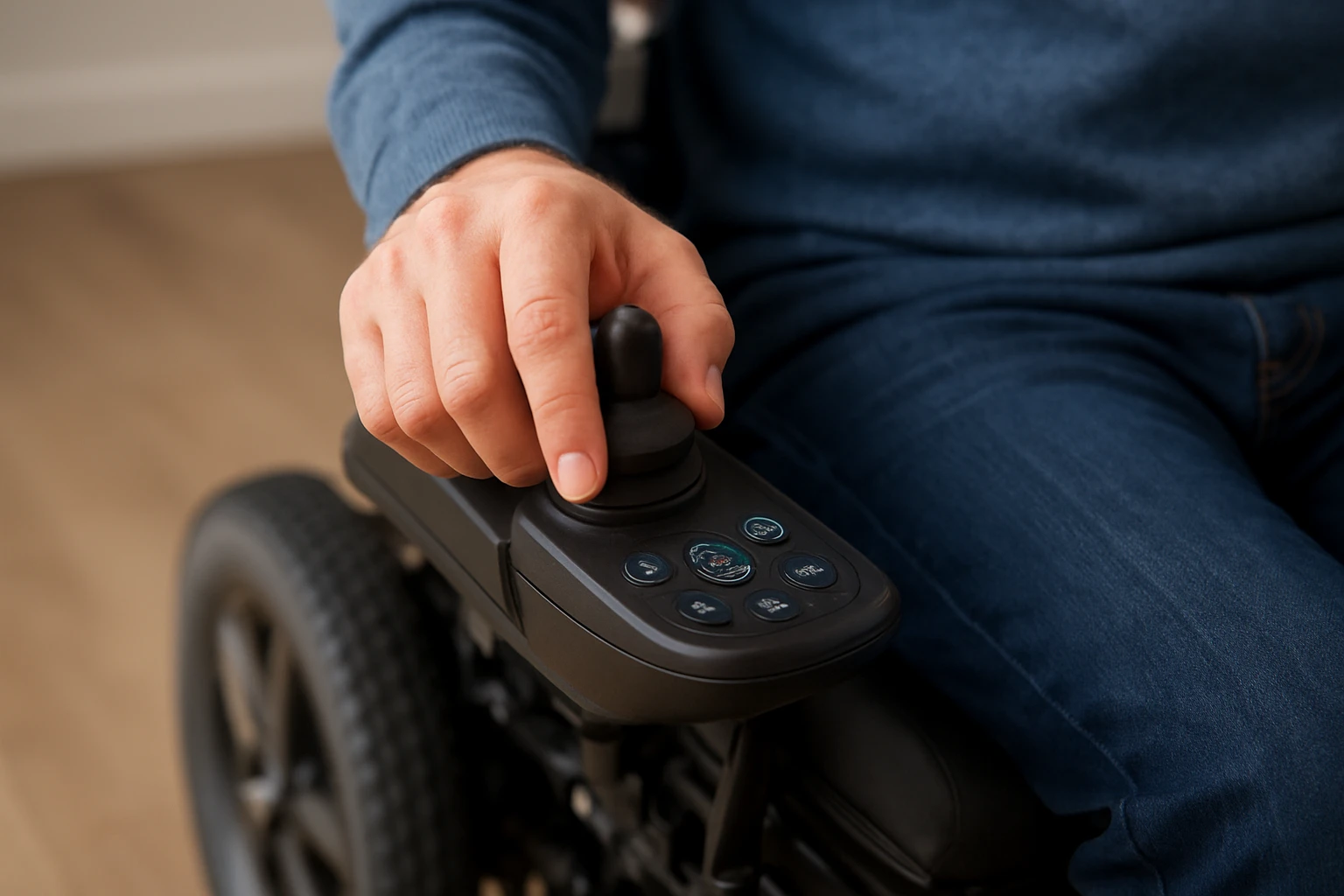
The joystick is your steering wheel, gas pedal, and brake in one small device. Tuning it is the difference between feeling jittery in the grocery aisle and feeling smooth, intentional control on a busy sidewalk. Most controllers allow adjustments to acceleration, deceleration, top speed, joystick throw sensitivity, and turning behavior. You can also create multiple profiles such as Indoor, Outdoor, and Transport, then switch on the fly as your environment changes.
Start with conservative settings so you never feel rushed. Shorten acceleration to eliminate lurching, lengthen deceleration for smooth stops, and cap top speed for indoor sections. Then practice in a safe open area and nudge settings in small steps. Many users find that a little dead zone at joystick center prevents unintended drift, while a mild turning sensitivity helps cornering without twitchiness. A clinician such as a PT [physical therapist], an OT [occupational therapist], or an ATP [assistive technology professional] can co-tune controls to match your reflexes, posture, and strength. The Go Wheelchairs team can also help you save profiles that match your routes.
| Control Setting | What It Changes | Good Starting Point | When to Increase | When to Decrease |
|---|---|---|---|---|
| Acceleration | How quickly you reach speed | Moderate for most users | Outdoor slopes, longer paths | Indoor tight spaces, startle sensitivity |
| Deceleration | How gently you stop | Longer for smooth stops | Outdoor open areas | Short indoor approaches to counters or sinks |
| Top speed | Maximum allowed speed | Lower indoors, higher outdoors | Long flat routes, commuter needs | Busy rooms, shared spaces |
| Turning sensitivity | How responsive turns feel | Medium for balanced control | Outdoor navigation, wide aisles | Narrow hallways, obstacle-dense rooms |
| Dead zone | Neutral area around joystick center | Small neutral zone | Hand tremors or drift | When small inputs feel delayed |
Step 5: Dial In Seating, Posture, and Ergonomics
Comfort is not a luxury; it is control. If your pelvis is unstable or your shoulders are overreaching, joystick inputs become inconsistent and fatigue rises. Choose a seat width that allows a relaxed posture without pressure on hips. Match seat depth to support your thighs without pushing behind the knees. Consider cushions that manage pressure risk and temperature, and add lateral or trunk supports if you shift or lean during longer drives.
Armrest height should allow your forearm to rest neutrally on the way to the joystick, and joystick mount placement should be within easy reach without shoulder hiking. Many users benefit from swing-away mounts for transfers. Small posture tweaks often produce the biggest control gains. In a Go Wheelchairs fitting, it is common to try two or three cushion types and at least two joystick positions; that short trial can make your daily experience calmer, safer, and more precise.
Step 6: Verify Medicare-Ready Specifications and Documentation
Coverage matters just as much as comfort. Medicare requires documentation that your power wheelchair is medically necessary for in-home mobility. The details vary by region and plan, and policies can update. Generally, you will need a face-to-face evaluation with your physician, a clear description of your mobility limitation at home, why a less costly device will not safely meet your needs, and a prescription that includes required elements. A DME [durable medical equipment] supplier such as Go Wheelchairs can coordinate with your clinician and help assemble the paperwork.
Think of this step like packing all the right gear for a trip. With everything ready, the journey is smoother. The Go Wheelchairs team provides insurance and Medicare assistance, helping you check your plan benefits and gather documents so there are no last-minute surprises. While decisions are ultimately made by your payer and local policy, a strong submission sets you up for the best chance at timely approval.
| Medicare-Ready Item | Who Provides It | What Good Documentation Includes | Pro Tip |
|---|---|---|---|
| Face-to-face evaluation | Your physician | In-home mobility limits, transfers, fall risk, trial of alternatives | Ask physician to emphasize daily home tasks affected |
| Prescription | Your physician | Specific power wheelchair order with medical rationale | Ensure it matches the final model and key options |
| Supplier records | Go Wheelchairs as your DME supplier | Product codes, features, and home compatibility notes | Document doorway widths and transfer method |
| Functional assessment | PT [physical therapist] or OT [occupational therapist] | Seating needs, joystick operation, endurance | Include trials or simulations if available |
Note: Coverage determinations can vary by payer and region. If you are told something is not covered, ask for the specific policy reference and whether alternative options or documentation could address the issue. Go Wheelchairs can help you navigate those conversations with clear, organized information.
Step 7: Test Drive and Fine-Tune With a Clinician and Dealer Partner
A chair can look perfect on paper but feel different in real life. Schedule a test drive across your toughest turns and surfaces: a narrow kitchen pass, that tricky ramp, and outdoor patches you visit often. Try multiple control profiles and cushion options back-to-back; your comfort and confidence will select the winner. Make small adjustments between runs so you can feel each change clearly.
During the session, keep notes on cornering feel, start and stop smoothness, hand fatigue, and any pressure hotspots. Ask your clinician to watch your posture and joystick grip while you drive. Go Wheelchairs encourages on-the-spot tuning and can save profiles for Indoor and Outdoor use so you leave with a chair that already fits your life. It is common to come back after a week for a quick tweak once your muscle memory settles in.
Step 8: Set Up Maintenance, Spares, and Safety Checks
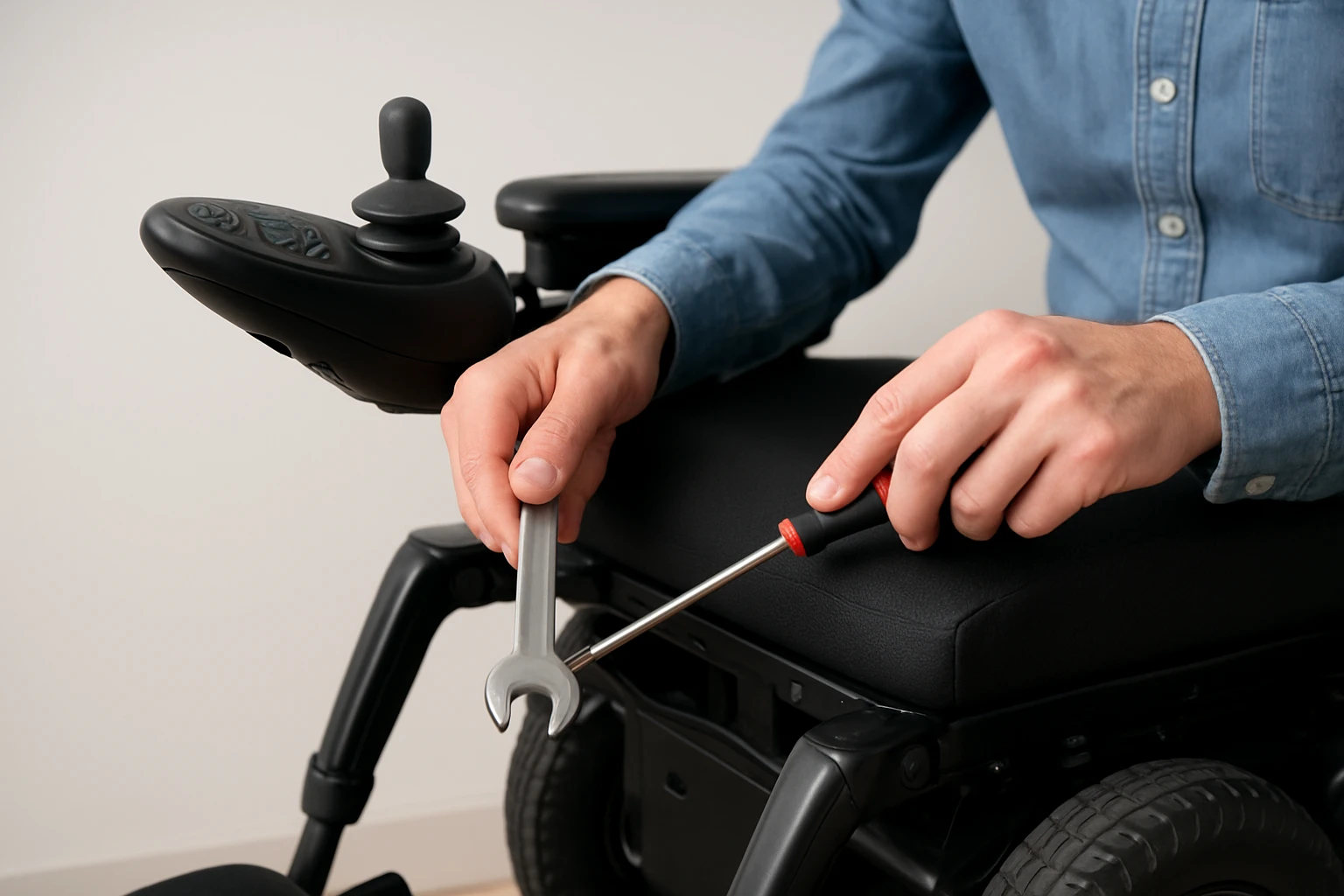
Reliability is built day-by-day. A simple monthly checklist prevents surprises and protects range. Check tire tread and pressure if applicable, examine the joystick boot and cable for wear, confirm the charger lights and indicators function, and wipe battery terminals if your model has accessible posts. Keep a spare joystick knob and a backup charger if your routine depends on extended outings.
Create a charging habit that respects your chemistry: many lithium-ion systems prefer frequent top-ups, while sealed lead-acid packs may benefit from full charges. Avoid deep discharges whenever possible, and store your chair in a dry area at moderate temperatures. Go Wheelchairs offers ongoing support, including quick troubleshooting and access to replacement parts, so you are never left guessing. A few minutes of regular attention often add months or years to component life and keep your range predictable.
Common Mistakes to Avoid
Even well-intentioned shoppers fall into familiar traps. Here are the pitfalls we see most often and how to steer around them like a pro.
- Buying for the exception, not the rule: Choosing a chair for a once-a-month trail instead of everyday kitchens, bathrooms, and hallways.
- Underestimating range: Not accounting for hills, headwinds, or extra cargo weight that reduce practical miles per charge.
- Skipping seating: Overlooking cushions and supports that stabilize posture and unlock smoother joystick control.
- Ignoring turning radius at home: Falling in love with an outdoor beast that cannot clear bedroom corners without multi-point turns.
- Rushing Medicare paperwork: Submitting a great chair with weak documentation that does not explain in-home need and why simpler devices fail.
- One-size-fits-all joystick settings: Leaving factory defaults in place even though small tuning changes could remove daily frustration.
- No spare charger: Counting on a single charger and getting stranded during an unusually long day.
Bringing It All Together
Let us connect the dots with a simple pathway you can follow this week. First, write your routes, measure your space, and record your body measurements. Second, shortlist two or three frame types that match your environment and capacity needs, then pair them with the right battery strategy. Third, book a fitting with Go Wheelchairs and your clinician to trial cushions, mounts, and drive profiles. Fourth, prepare Medicare documentation with your physician, anchored in specific in-home limitations and clear reasons other devices will not work safely.
By the end of that process, the best choice becomes obvious. You will feel the chair responding like it has been listening all along, your range will match your calendar, and the paperwork will feel like a formality rather than a hurdle. When a power chair disappears into your day, that is success.
FAQ: Quick Answers to Big Questions
What range should I expect? Many users see between six and twenty miles per charge, depending on battery type, weight, terrain, and speed. Your own test routes are the most honest predictor. How fast should I set top speed? Indoors, a gentle cap improves safety; outdoors, you might unlock higher speed on open paths. How do I know it is Medicare-ready? Your supplier should walk you through the evaluation, prescription, and documentation steps; if anything feels vague, ask for a checklist and timeline.
When in doubt, ask. The fastest wins often come from tiny adjustments: a different joystick mount angle, a cushion swap, one notch of deceleration, a second charger at work, or higher energy density batteries aligned with weekend plans. This is your chair, your routes, your life; build it to fit.
Conclusion
Choose intentionally, configure thoughtfully, and your chair will deliver precise control, dependable range, and clean, Medicare-ready documentation.
Imagine the next twelve months with smoother turns at home, easier curb cuts, and batteries that last as long as your plans. One well-tuned setup can change how every day feels.
Which small change will unlock the biggest win for your joystick-controlled power wheelchair this week?
Find Your Precision Fit with Go Wheelchairs
Explore models like the Go Chair and Pride/Jazzy power wheelchairs (Jazzy Air 2, Jazzy Select, Jazzy Carbon, Jazzy Ultra Light, Jazzy Elite/Elite HD, and Jazzy 600 ES) with personalized consultations, remote guidance, and Medicare support so you move confidently and independently.